

Apps / Typeform
[V1.5]

Overview
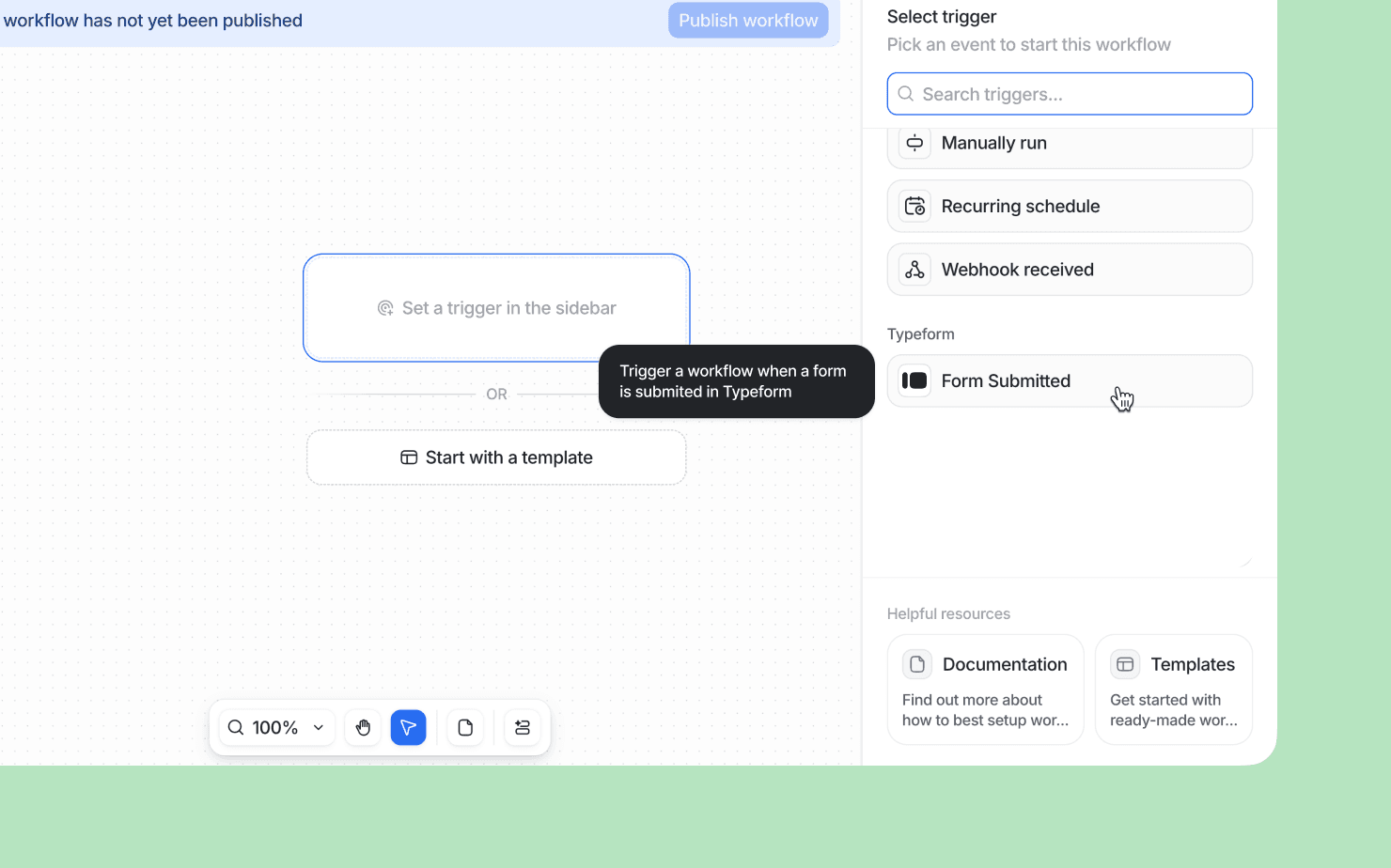
Connect Tolk with Typeform to trigger Tolk workflows based on Typeform form responses. Once you have added a connection to Typeform, you will be able to use the Typeform Form Submitted block in your workflows and use data from form submissions in your automations.
How it works
Create workflows that send your Typeform form responses straight into your Tolk workspace. Stay on top of your hiring lists, applicants, customer lifecycle, and form responses from inside Tolk.
Configure
An admin can follow these steps to connect your Tolk and Typeform accounts:
- Click your workspace name in the upper-left of Tolk, then select Workspace settings.
- Head to Apps on the left-hand side, search for and select Typeform, then Install.
- Log into Typeform if you are not already signed in, then click Accept.